
Watercolour · romantic · day to night
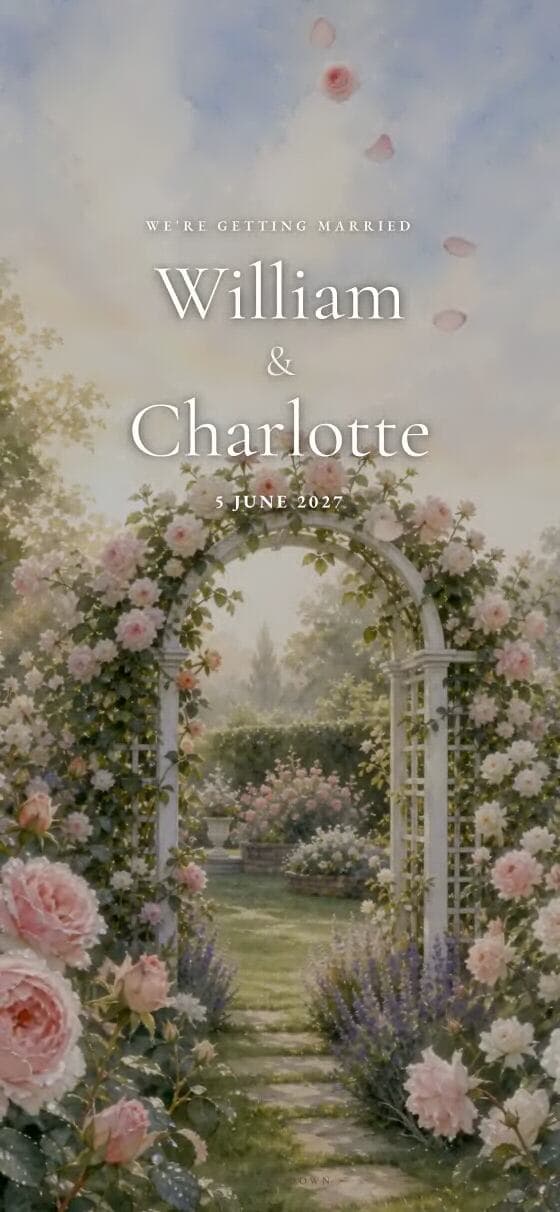
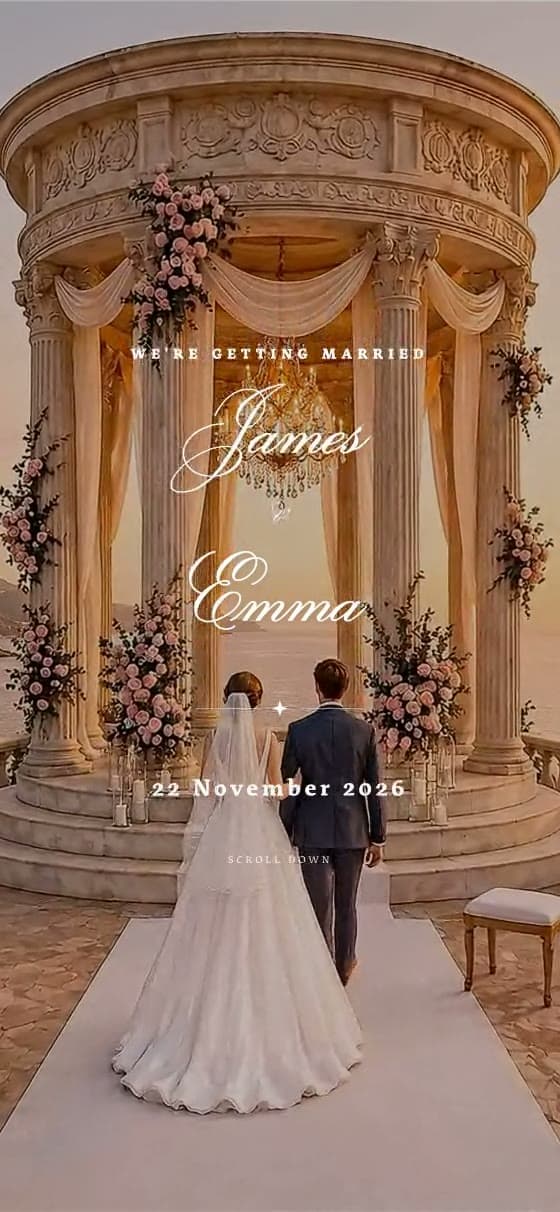
A watercolour wedding website that moves into twilight
Twilight is made for a celebration whose mood changes with the light: a soft ceremony, golden-hour photographs and an evening reception.
The visual direction
How Twilight feels
Painterly architecture and muted olive tones make Twilight feel intimate. The day-to-evening movement supplies atmosphere while the cream content areas keep names, times and directions easy to scan.
A strong fit for
- ✦country houses and garden receptions
- ✦late-summer or autumn weddings
- ✦celebrations flowing from an outdoor ceremony into dinner
Using the template
Build a page guests can use
Tell the story in the right order
The design works best as a gentle narrative. Begin with the date, add a short welcome, show the order of the day, then use the gallery and RSVP as the transition from emotion to action.
Make the style practical
Choose photographs with warm, natural light and avoid mixing too many filters. If the ceremony and reception are at different locations, give each place its own plainly labelled block so the romantic style never obscures logistics.
What the design supports
- ✓Painterly day-to-night movement
- ✓Warm, legible information cards
- ✓Gallery and order-of-day sections
- ✓Guest RSVP and message collection
Questions
About the Twilight template
Can we personalise the Twilight wedding website template?+
Yes. Replace the sample names, wording, date, photographs, venue, schedule and RSVP questions with your own. Twilight supplies the visual direction and page structure; it is not a fixed invitation.
Can we preview Twilight before paying?+
Yes. Open the live example, then start a draft and preview your own information before the one-time publishing payment.
Does this template include online RSVP?+
Yes. Guests can reply from the invitation link, and couples can collect attendance plus practical answers such as meal or dietary information.
Will it work on a guest’s phone?+
Yes. The invitation is designed as a mobile-first scrolling page and can also be opened on a tablet or computer.

Make Twilight yours.
Add your names and date, choose the sections you need and preview the guest experience before publishing.
Start with Twilight