
Classic · formal · black tie
A classic ivory and gold wedding invitation website
Royal gives a formal celebration the ceremony of a printed invitation, then carries guests naturally into the details and RSVP.
The visual direction
How Royal feels
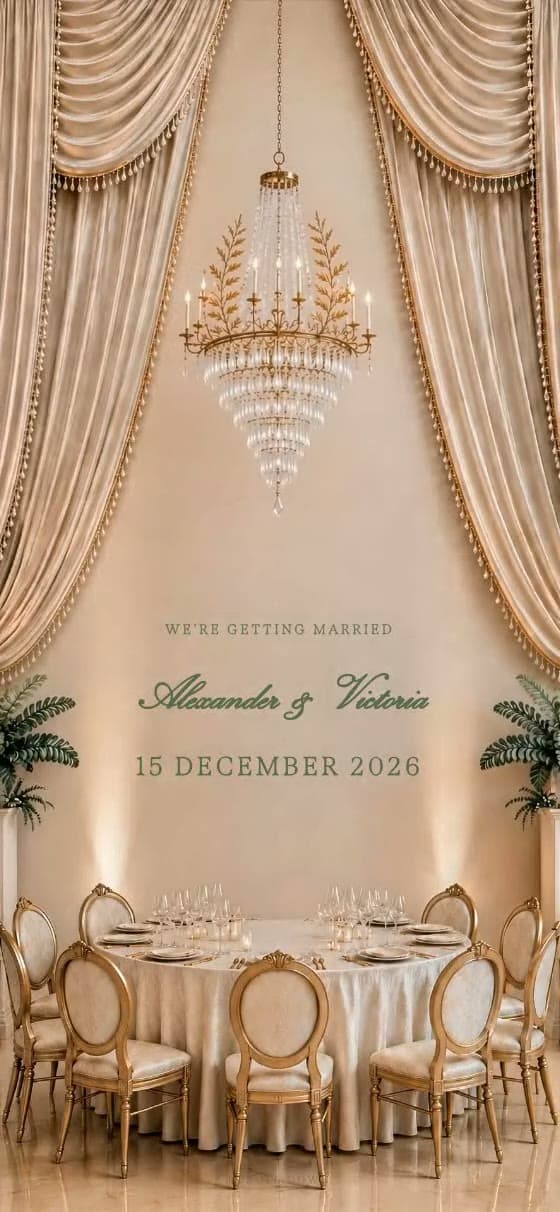
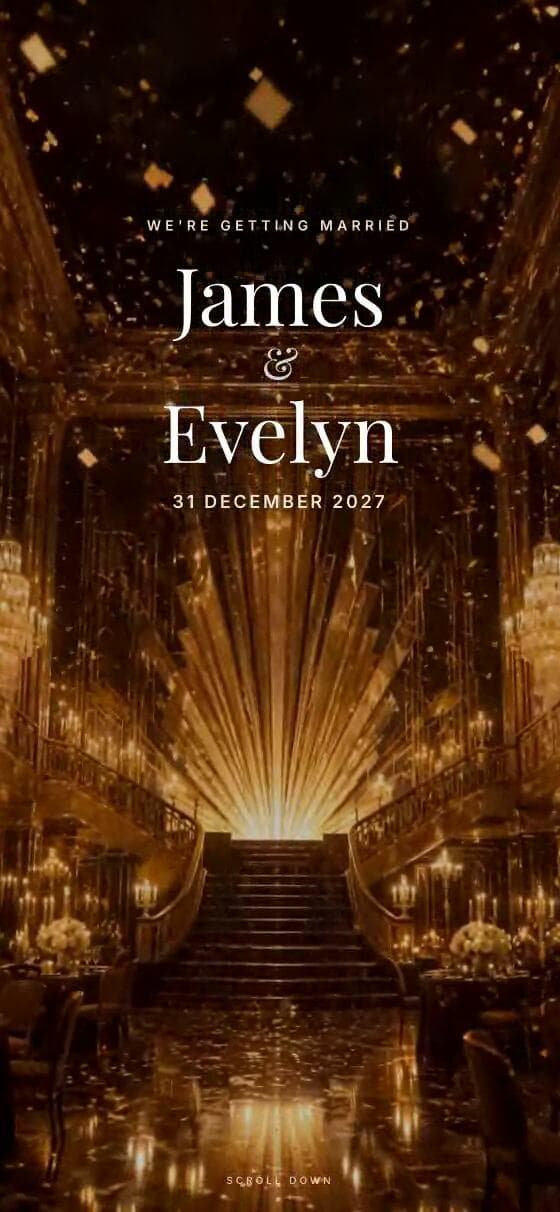
Royal is restrained rather than glittery. Fine gold details and generous ivory space create formality without making practical information difficult to read.
A strong fit for
- ✦ballrooms and grand hotels
- ✦black-tie or formal dress codes
- ✦traditional ceremonies with a modern guest experience
Using the template
Build a page guests can use
Tell the story in the right order
Use the opening for the couple’s names and date, then let the page unfold through a welcome, venue, schedule, photographs and RSVP. A short dress-code note works especially well here because the visual language already sets a formal expectation.
Make the style practical
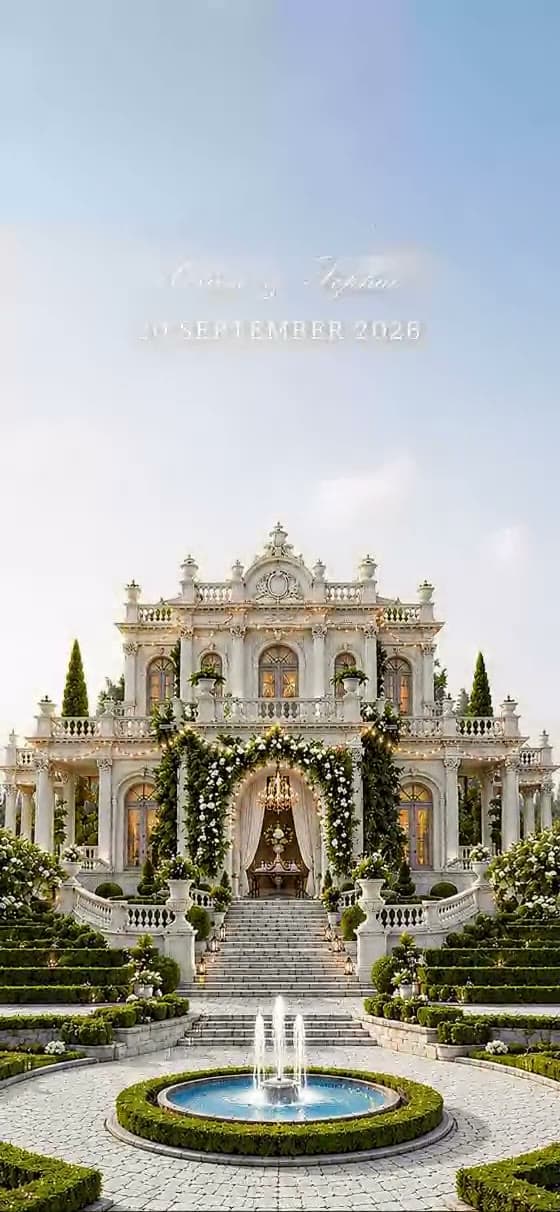
Pair Royal with confident, economical wording. One strong portrait or architectural venue photograph is more effective than a busy gallery, and a simple chronological schedule keeps the page feeling composed.
What the design supports
- ✓Animated invitation opening
- ✓Formal editorial typography
- ✓Venue, schedule and dress-code sections
- ✓Named-guest online RSVP
Questions
About the Royal template
Can we personalise the Royal wedding website template?+
Yes. Replace the sample names, wording, date, photographs, venue, schedule and RSVP questions with your own. Royal supplies the visual direction and page structure; it is not a fixed invitation.
Can we preview Royal before paying?+
Yes. Open the live example, then start a draft and preview your own information before the one-time publishing payment.
Does this template include online RSVP?+
Yes. Guests can reply from the invitation link, and couples can collect attendance plus practical answers such as meal or dietary information.
Will it work on a guest’s phone?+
Yes. The invitation is designed as a mobile-first scrolling page and can also be opened on a tablet or computer.
Make Royal yours.
Add your names and date, choose the sections you need and preview the guest experience before publishing.
Start with Royal