Multi-event wedding invitations: every event of the weekend on one link
Written by the Wedvite founders
One Wedvite invitation can carry the whole weekend. The order of the day lists each event with its time, a title and a short note for the dress code or venue, and every extra venue gets its own named location with a map button. Guests open one link, see every event, and reply once on one RSVP form.
Wedvite's list price is $89. This code brings it to $49, applied automatically at checkout:
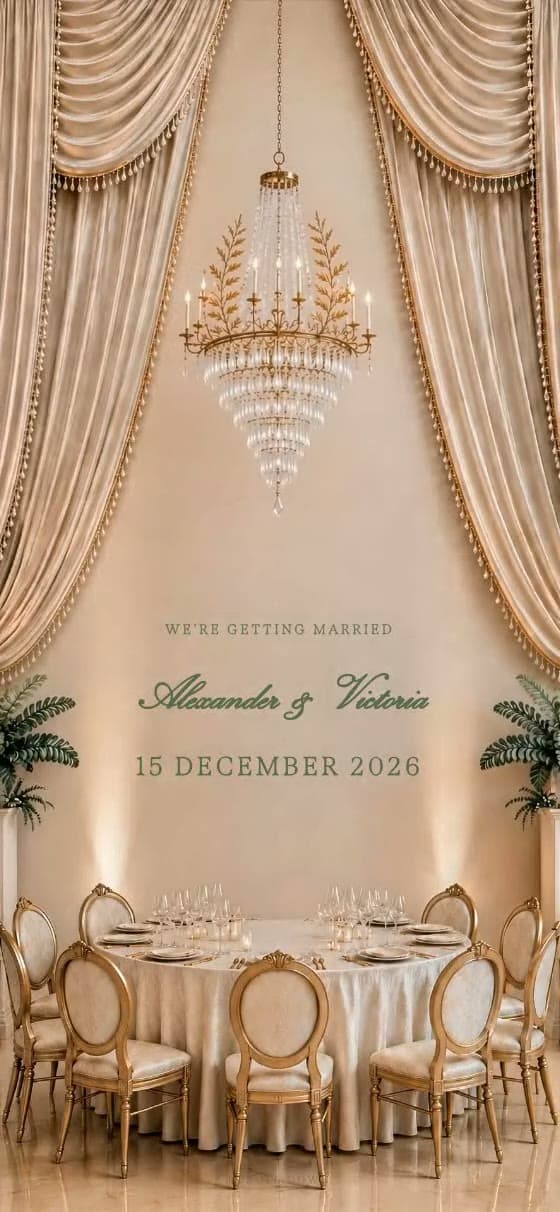
Tap to open the live invitation
What one link can hold for a wedding weekend
An order of the day you write
Each row carries a time, a title and a note. Add a row per event, reorder them, or hide one without deleting it.
See it →A map button for every venue
The main venue has its embedded map; each other place gets its own name, an address or time line and a button that opens directions.
A page of notes per day
Up to five sections of your own, one for Friday's welcome dinner, one for Sunday's brunch, one for dress codes.
One reply for the weekend
The RSVP collects names, meals, dietary needs and a free message, and every answer lands on one dashboard.
See it →How do I put several events on one wedding invitation?
Use the order of the day. Every design has one, and it starts with sample rows such as the ceremony, the dinner and the party. Rename them, add rows for a mehndi, a welcome drink or a farewell brunch, and move them up or down into order. Each row has a time, a title and a line of text underneath, which is where the venue name and the dress code go.
For a weekend spread over several days, put the day in the row's title, such as Friday, welcome drinks, so guests read the date before the time. If one event needs more explanation, give it a section of your own with a heading and as much text as it takes, and place that section right after the order of the day.
What if the ceremony and reception are at two venues?
Two receptions, a civil ceremony in town and a party at a farm, a nikah at the mosque and a walima at a hotel: the main venue keeps the embedded map, and every other place goes into a list of named locations. Each has its name, a line for the address or start time, and a map button that opens directions to that place and no other.
Guests usually read the invitation twice, once when it arrives and once on the day while finding their way. Keeping each event's place beside its own button means nobody follows the reception pin to the ceremony, and nobody has to scroll back through a group chat to find an address. Because the link stays live and editable, a late venue change is corrected once, for everyone, and the next guest to open it sees the new place.
Can some guests be invited to only some events?
Not by hiding events. Everyone who opens the invitation sees every event on it, and the RSVP is one reply for the whole weekend rather than one per event. That suits weddings where all guests are welcome everywhere, which is most of them. If you need to know who is coming to which part, ask in the RSVP note, for example: tell us which events you will join, and read the answers on your dashboard.
When an event is for a smaller circle, there are two honest options. Mark it on the row, for example family only or by separate invitation, and tell those guests directly. Or leave it off this invitation and send that group its own details.
The questions everyone asks.
How many events can one invitation list?+
Can each event have its own dress code?+
Can guests RSVP to each event separately?+
Can I hide an event from some guests?+
Is a multi-event invitation more expensive?+
One link. Every guest.
Design it free, share it with your first 10 guests, then pay $49 once for unlimited guests — RSVP, envelope and WhatsApp delivery included.
Start your invitation